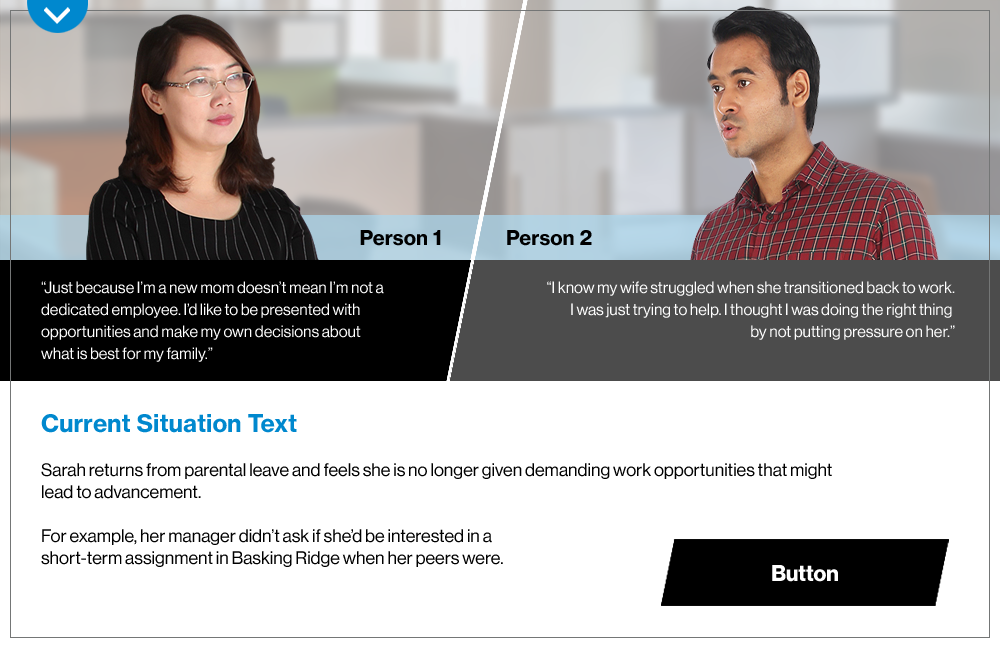
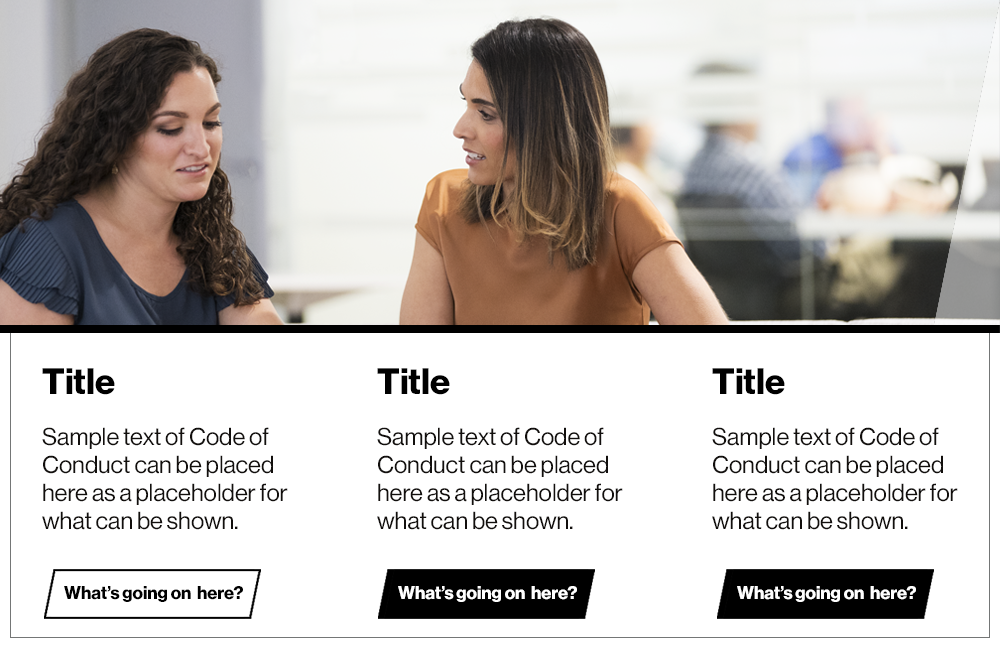
Instructional design can be delivered in various ways. But one of the most effective and scalable is self-paced online learning. Below are some examples of the courses I’ve been fortunate to work on.
My recent course Responsive Design for Instructional Designers can be viewed at the following URL.
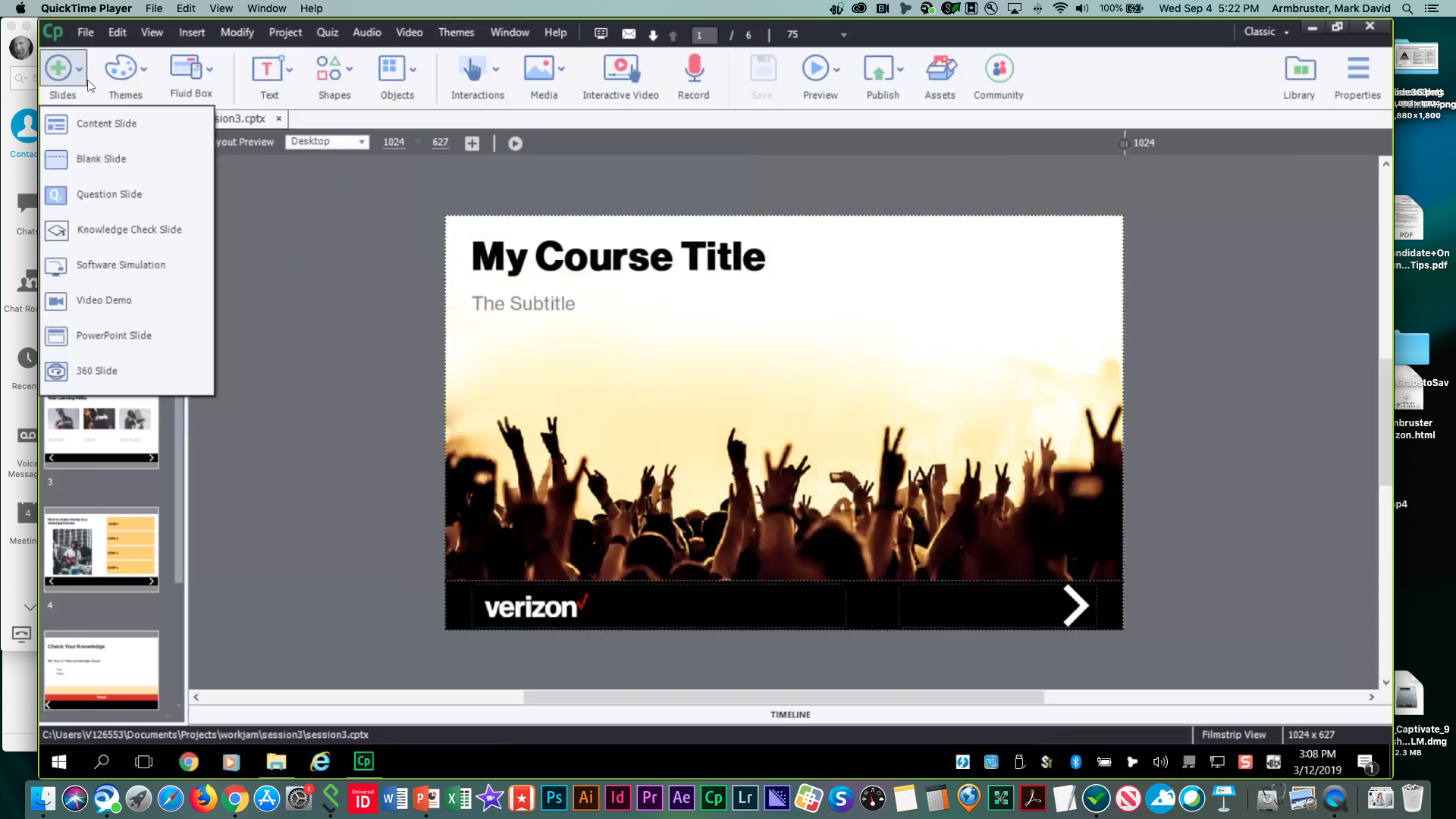
Here are some screen shots from videos from the course.
This course consists of two modules. The first module will cover Mobile Responsive Design theories, limitations and practices to familiarize students with general concepts of Responsive Design and learner constraints in the reduced form factor. The second Module will contain instruction on using responsive design frameworks within Adobe’s Captivate software. The assignment in this section will build off of concepts delivered in the first module.
By the end of this course learners should be competent in analyzing learning materials and content in regards to how they will need to be modified in order to be displayed and used on a mobile device. They will learn the various tools contained in Captivate and should be proficient in designing a course that is responsive and dynamic in order to be taken on a desktop and mobile device.
Responsive Design for Instructional Designers and Developers
The course Responsive Design Training for Instructional Designers and Developers is hosted on eliademy.com at the following URL:
https://eliademy.com/app/a/courses/c0f592c915
The course is listed as public and open to anyone with the URL above.
Verizon’s instructional designers and developers require in-depth training and instruction on Mobile UX methods and technical training in creating Online Training materials in Adobe’s Captivate software. Though most of our Designers are familiar with developing with Captivate very few are familiar with the mobile formatting tools or the UX issues that come with Mobile development.